

01Plan size
Choose the right VPS size
Match CPU, RAM, and NVMe storage to the app or environment you want to run, not just the lowest price.

Deploy high-performance low-cost cloud VPS with global availability in minutes.
Run your apps and Workflow automation.
Starting at $12.42/mo billed annually$12.42/mo standard









Get started risk-free with high-performance, reliable and secure cloud VPS to host and manage all your projects
SSH in and configure the server your way. Install services, tune packages, and own the stack.
Virtualized resources suitable for apps, databases, automation, dev environments, and control panels.
Fast storage for databases, containers, websites, panels, and business workloads.
Always-on DDoS protection and firewall service that safeguards your digital assets against attacks.
Choose the right server size, prepare the stack, and confirm access before your apps go live.
Match CPU, RAM, and NVMe storage to the app or environment you want to run, not just the lowest price.
Start with Linux or a control panel so the server is ready for the operating system and tools you actually need.
Log in, confirm the server is reachable, and check snapshots and firewall settings before moving real traffic.
Choose a VPS stack that keeps root access, clearer specs, low-latency regions, and NVMe performance in the same decision path.
Root and SSH access are available from day one, so you can install services, tune packages, and run the environment your workload actually needs.
NVMe-backed storage and globally positioned infrastructure keep app response times tighter for stores, dashboards, and APIs.
CPU, RAM, and NVMe storage stay visible at a glance so buyers understand the tradeoffs before checkout.
Choose regions that fit the app, the control panel, or the team behind it without reshaping the entire stack.
Databases, containers, queues, and business apps all benefit when the storage layer is not the bottleneck.
All VPS plans include root access, unmanaged control, NVMe-backed storage, and flexible scaling.
Apps and automation
Renews at $12.42/mo after the first term.
Growing workloads
Renews at $30.55/mo after the first term.
Agencies and heavier apps
Renews at $54.55/mo after the first term.
Infrastructure workloads
Renews at $106.91/mo after the first term.
Start from a clean Linux image, a pre-configured application, or a panel-led setup. Keep the deployment path flexible as the workload changes.
Launch common app stacks and services without building every layer manually.

CMS

Code hosting

Remote IDE

Automation

Containers

Private access

Commerce

PHP framework

Game panel

CMS

Storefront

Ecommerce
No stock testimonials. These sites run on OneNet Servers today. Open any one and see the work live.
2,000+businesses live
30+domain extensions
9hosting regions
< 2 hrshuman reply target
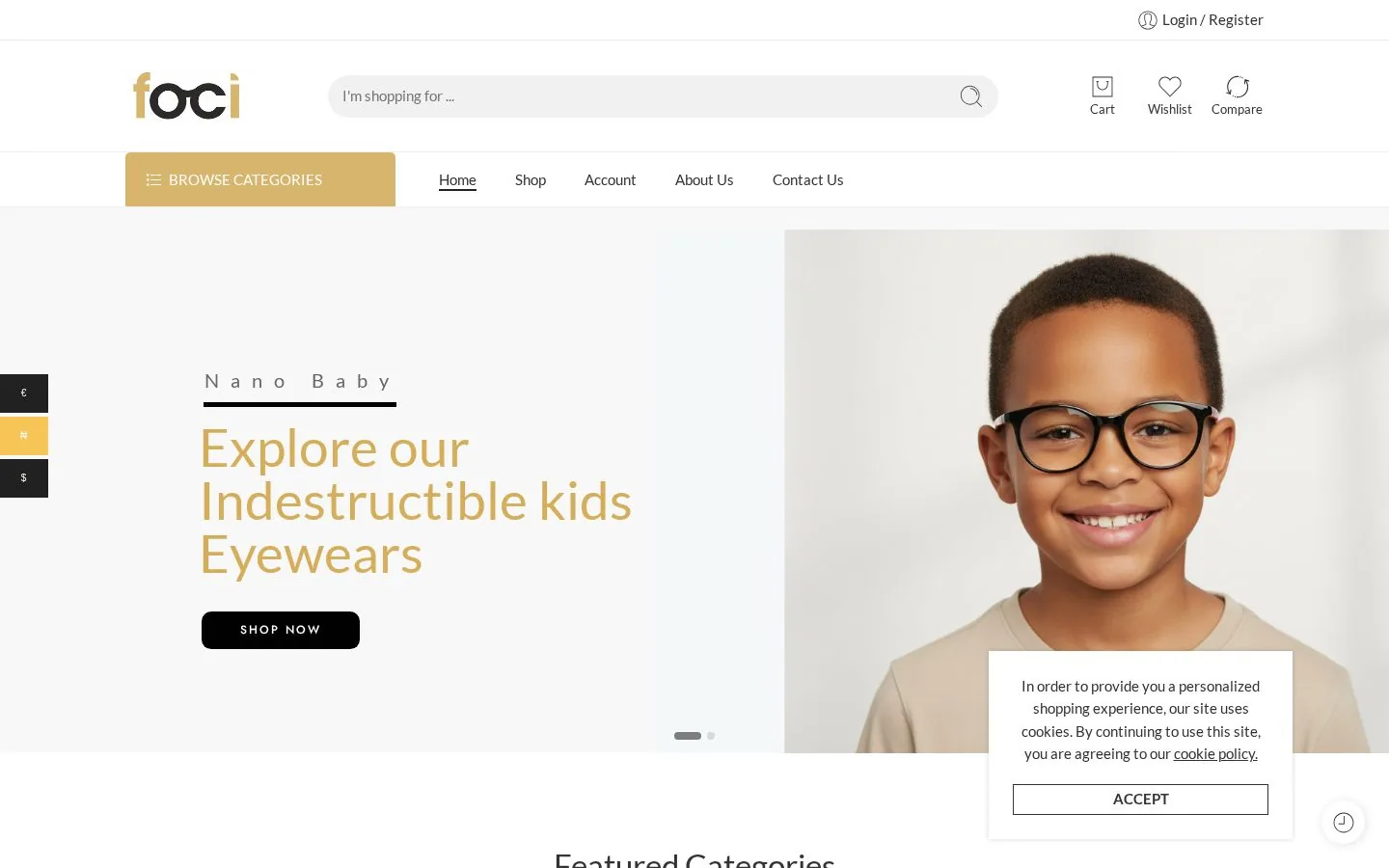
Foci Live
Eyewear e-commerce · Lagos, NigeriaVisit site ↗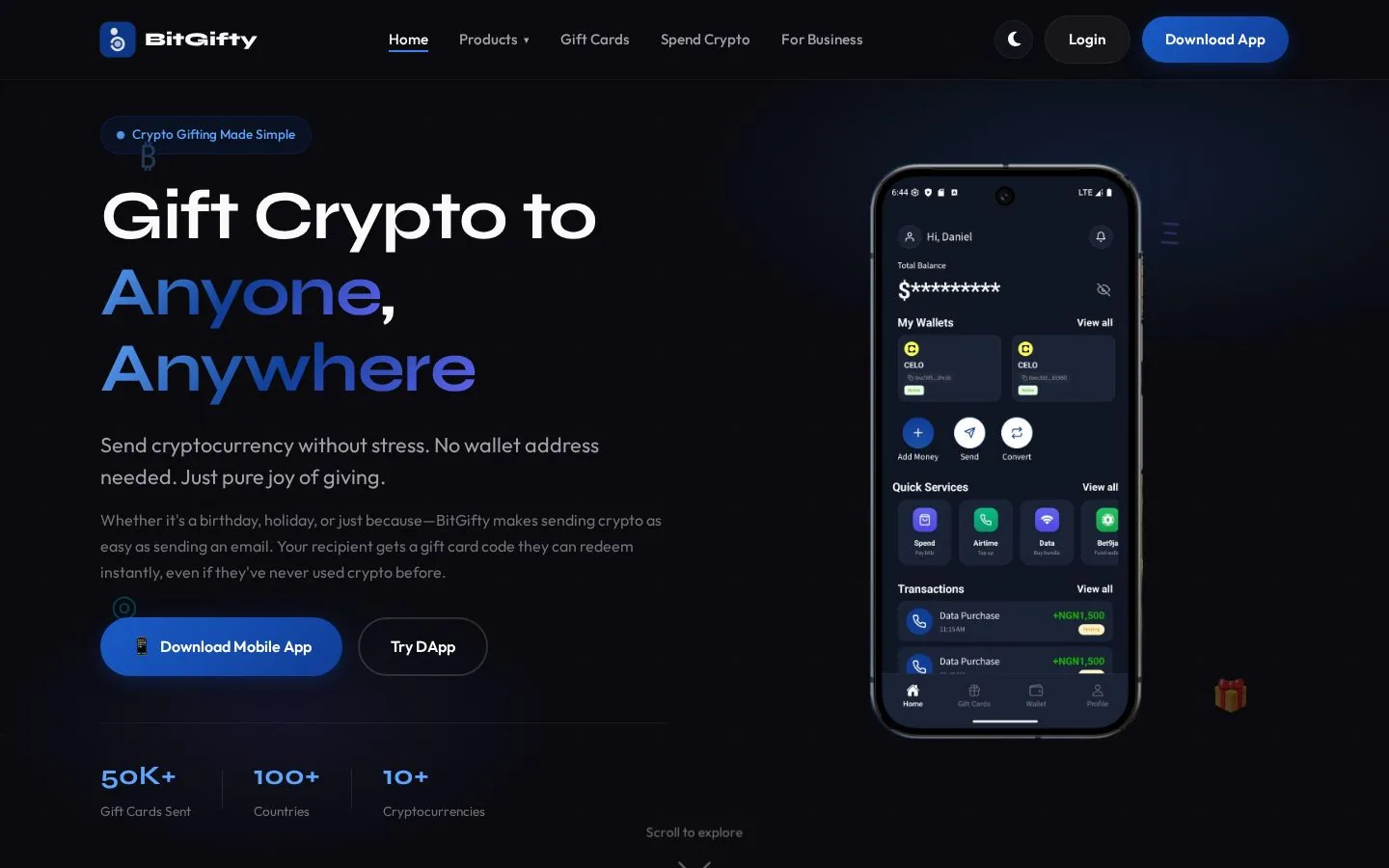
Bitgifty Live
Fintech app · NigeriaVisit site ↗
Roger Tomlinson Live
Travel and migration services · United KingdomVisit site ↗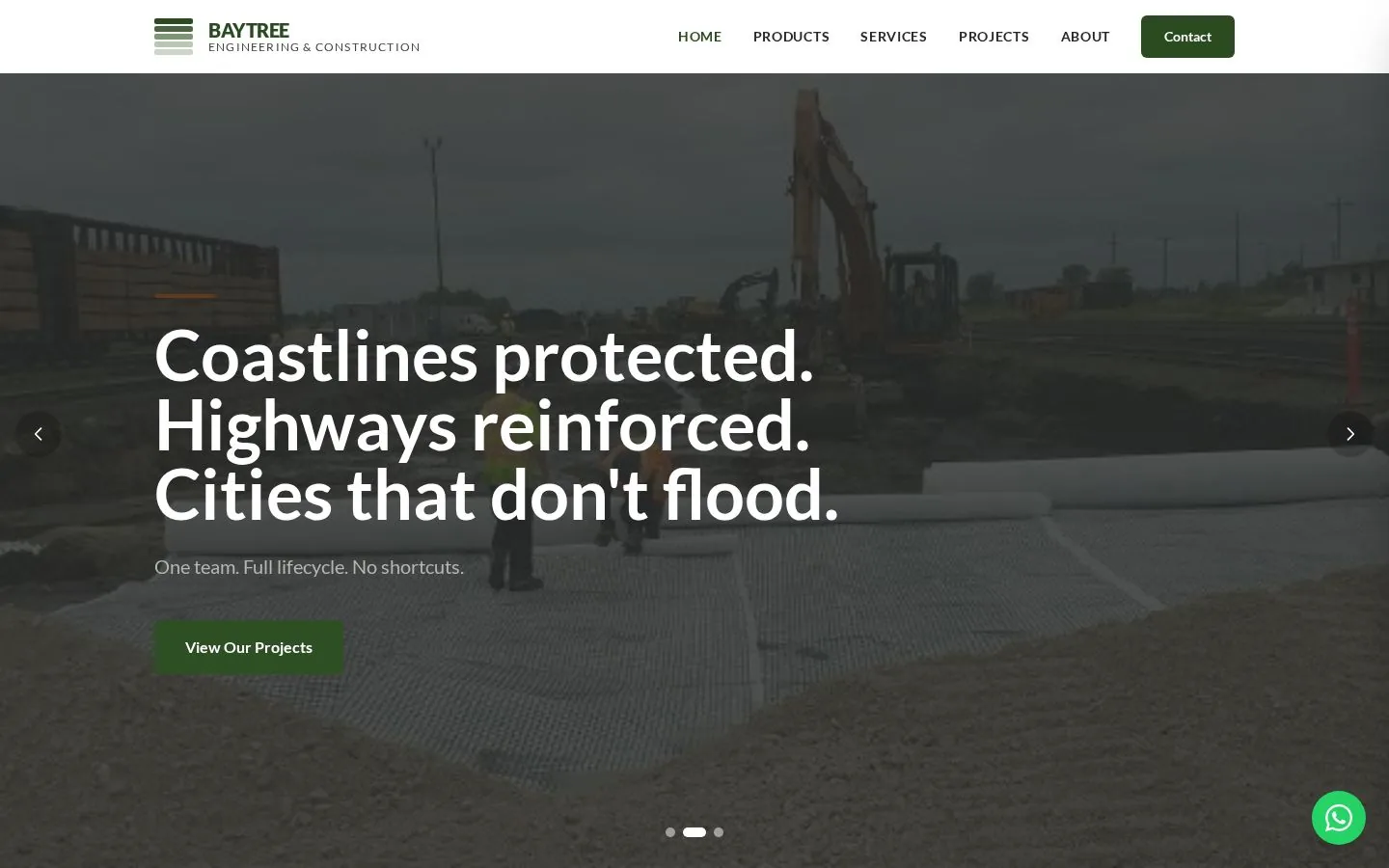
Baytree Live
Engineering and construction · NigeriaVisit site ↗
VNest Live
SME finance · NigeriaVisit site ↗
Reliance Capital Live
Investment management · NigeriaVisit site ↗We keep the comparison focused on the buying decisions that matter most to customers' stack after the first launch.
| Metrics | OneNet ServersFrom $11.18/mo billed annuallyFeatured | HostingerFrom $6.49/mo on term | IONOSFrom $2/mo on 3-year term | BluehostSelf-managed VPS | DigitalOceanCloud Droplets |
|---|---|---|---|---|---|
| Starting price | $11.18/mo annual | $6.49/mo term | $2/mo long term | Region-based pricing | $6/mo monthly |
| Entry storage | 100 GB NVMe | 50 GB NVMe | 10 GB NVMe | 50 GB NVMe | 25 GB SSD |
| Full root access | Included | Included | Included | Included | Included |
| Snapshot or backup path | Snapshots supported | Backups + snapshots | Backup options | Varies by setup | Snapshots billed separately |
| Firewall controls | Included | Included | Included | Security tooling | Included |
| Deployment options | OS, apps, panels | Templates and apps | Linux + Windows | 1-click installs | Marketplace images |
| Control panel flexibility | Plesk / cPanel ready | Custom VPS panel | Cloud Panel | cPanel route | DIY or marketplace |
| Checkout currencies | USD · GBP · NGN | Market-based | Market-based | Market-based | USD |
Built from current public VPS and cloud plan pages for OneNet Servers, Hostinger, IONOS, Bluehost, and DigitalOcean.
The details buyers usually want clear before choosing a plan.
OneNet Servers VPS is unmanaged by default. You get full root access and control the operating system, packages, firewall rules, users, and application stack yourself. If you need ongoing server administration, that should be arranged separately.